

Support access: when support views your shop
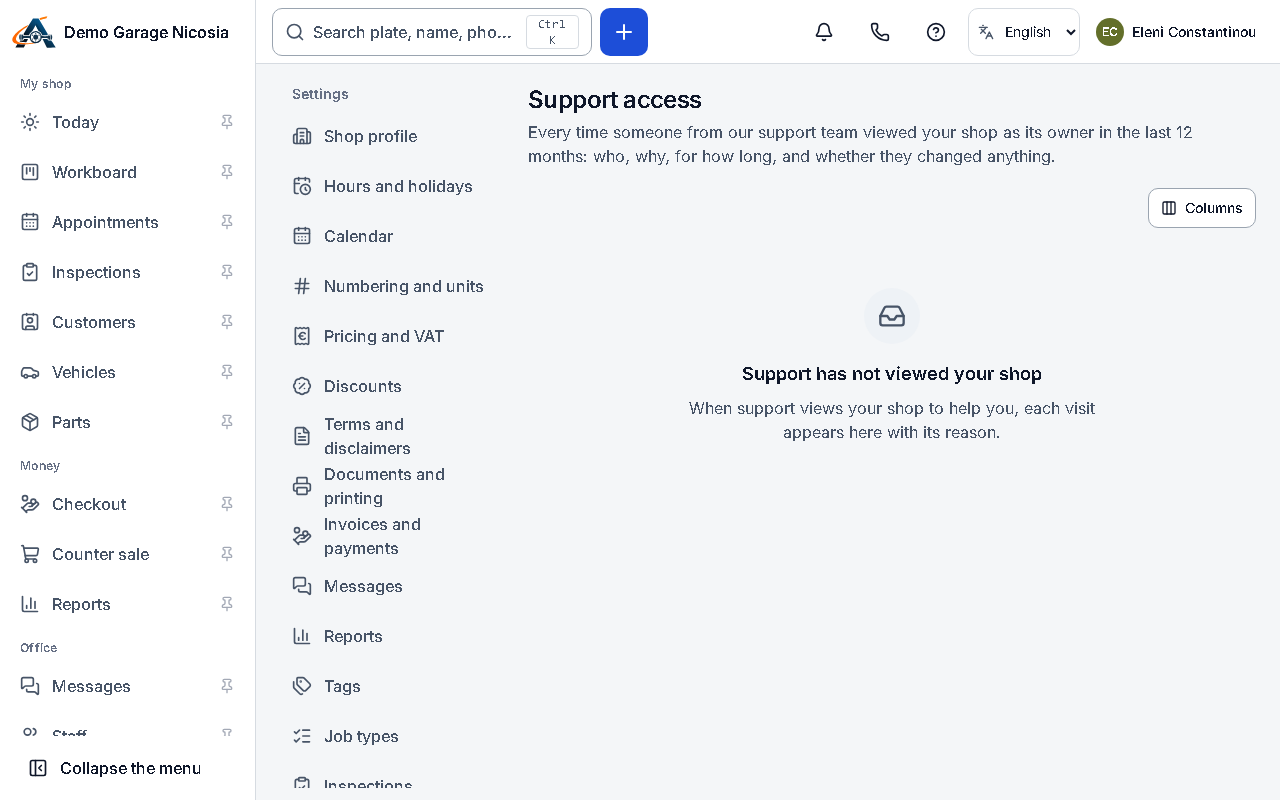
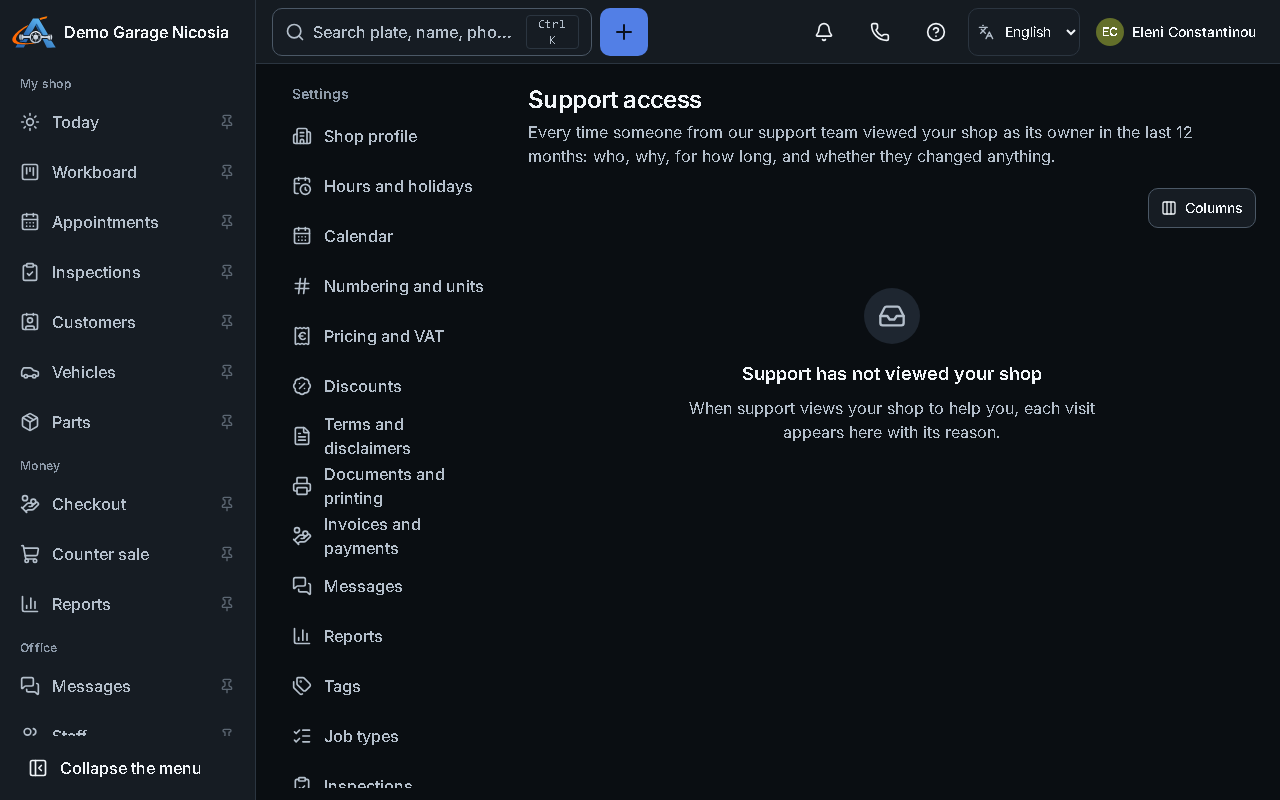
To solve a problem, someone from support may view your shop as its owner. They give a reason first, see a red bar on every page, and cannot change anything unless they record why. Every visit is listed for you.
How to do it
Section titled “How to do it”- Open Settings → Support access (owners and admins).
- Each row shows who from support, when, why, for how long, and whether changes were allowed — each time with its reason — and how many changes were made.
- The same entries are in your shop’s audit, with the changes marked as made by support.
Good to know
Section titled “Good to know”- Support never sees your password, never changes your plan or payment details, and cannot export or erase your customers’ data.