
Add a customer and their car
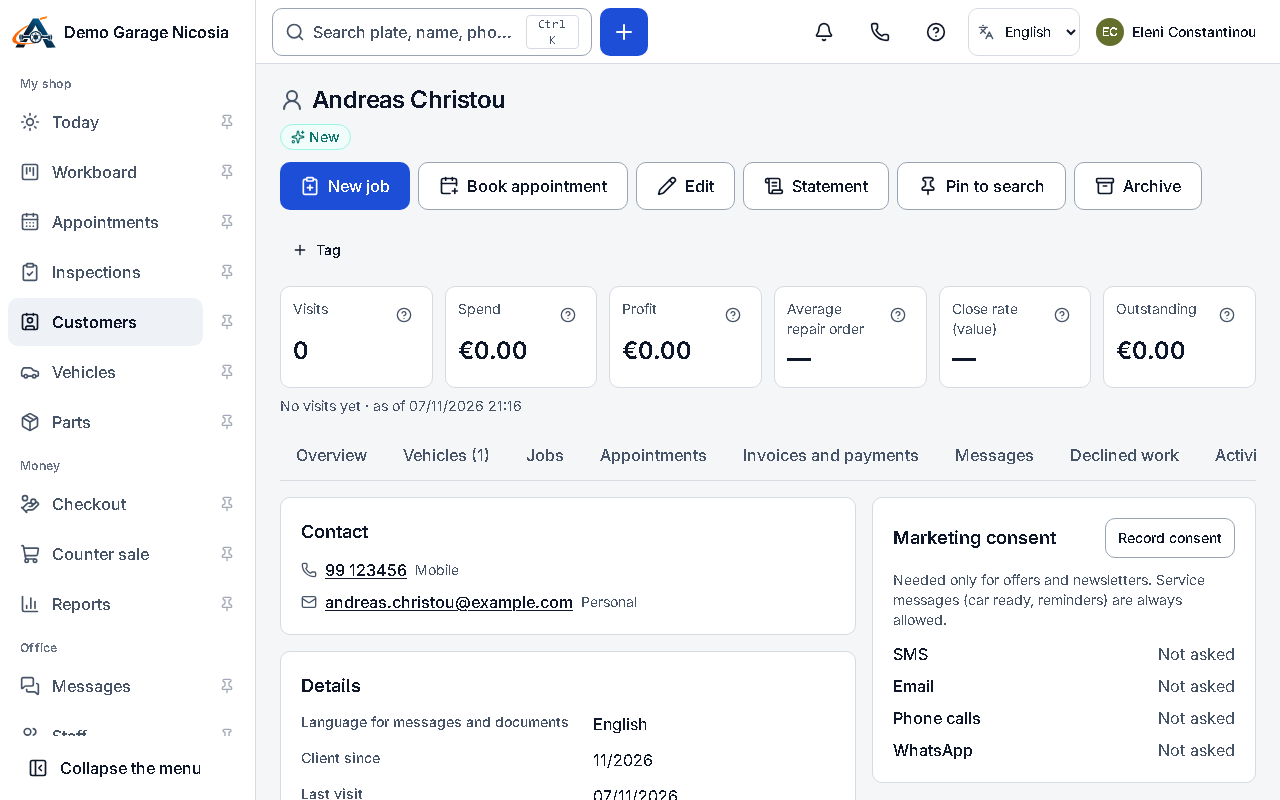
You can add a customer in seconds and fill in the rest later. The car is linked to its owner and keeps its history if it changes hands.
How to do it
Section titled “How to do it”- Press + at the top and choose Customer and vehicle.
- Type the name or the phone; add the plate to create the car at the same time.
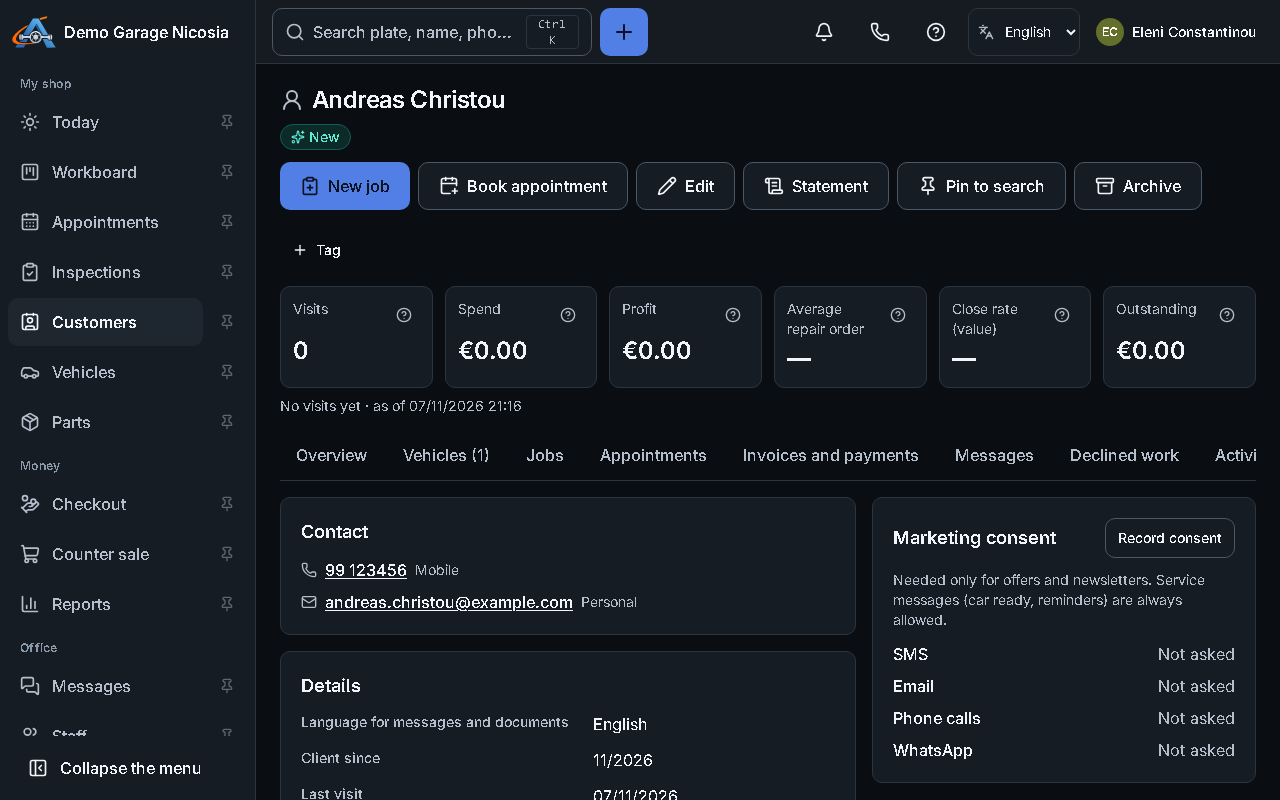
- Press Save. The customer’s page opens: add e-mail, address, company details and marketing consent when you have them.
- On the Vehicles tab, complete the car: make, model, year, VIN and odometer.