

Messages to customers
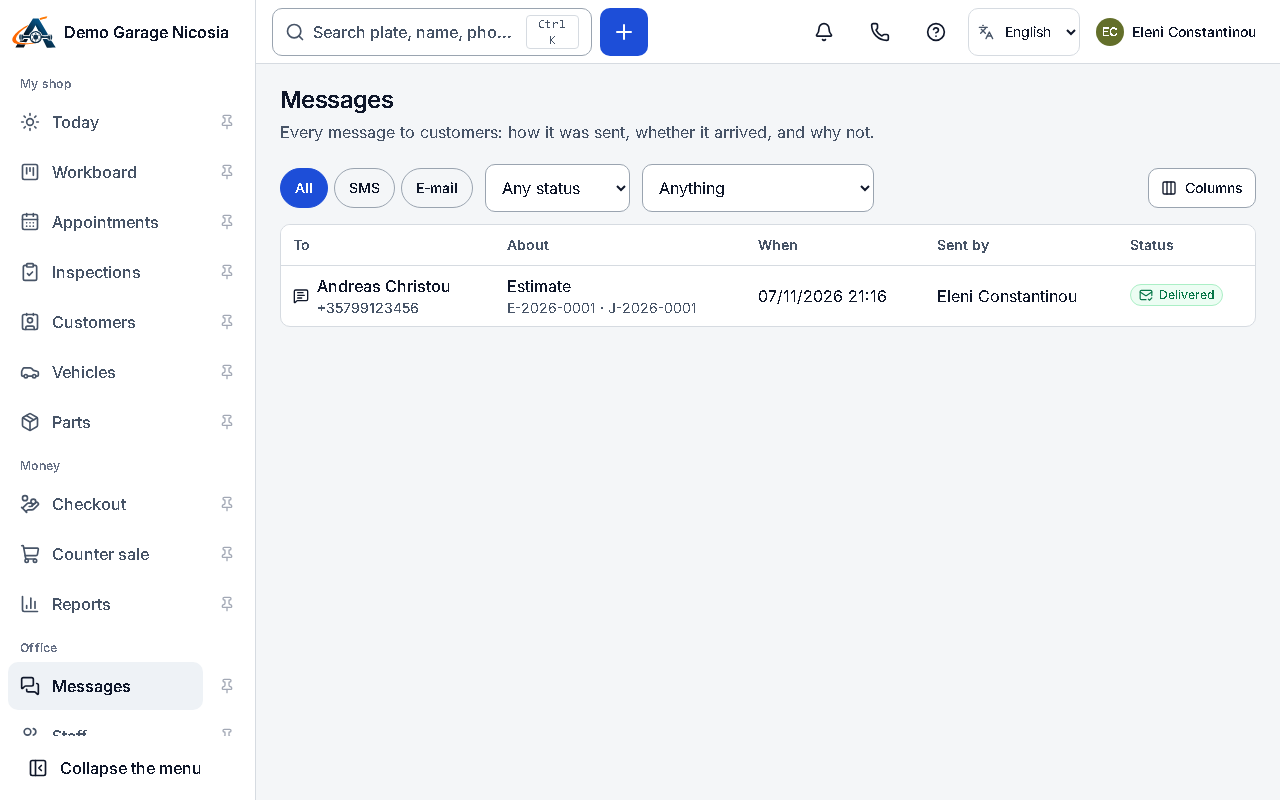
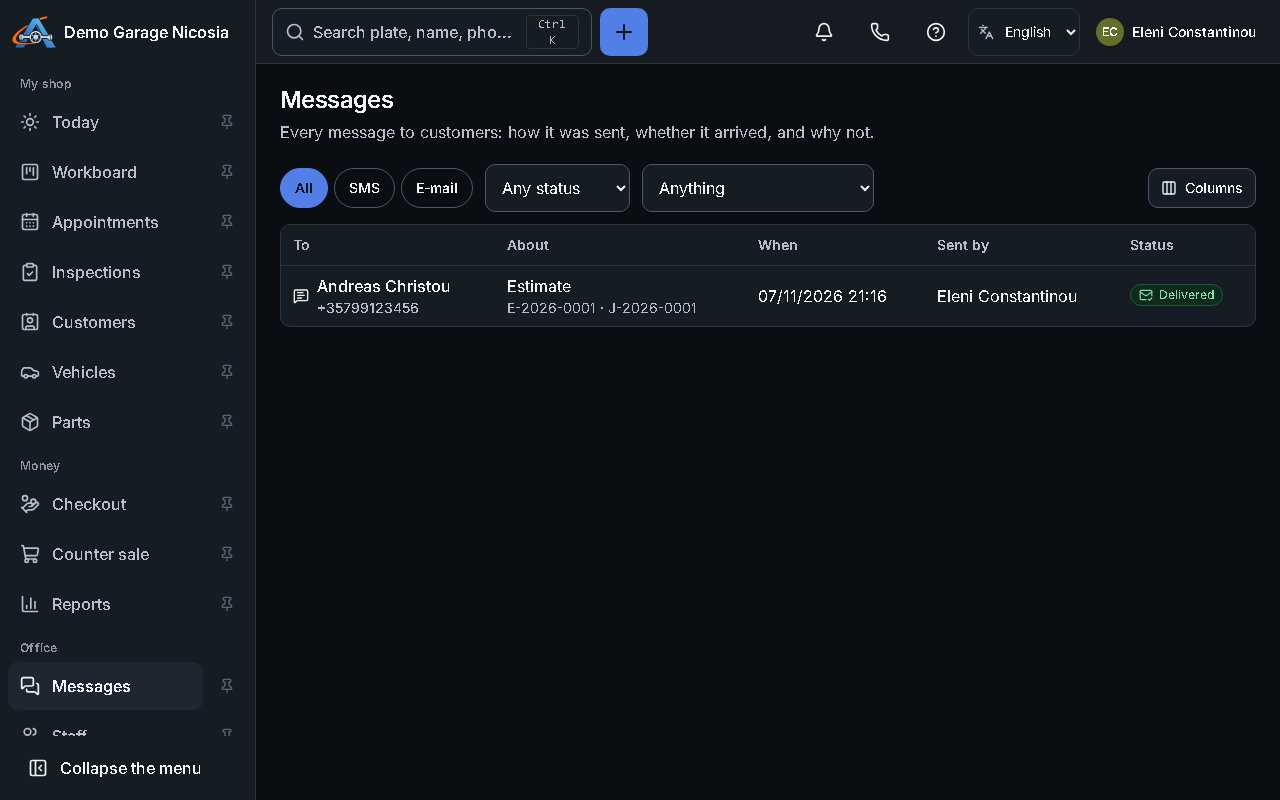
Messages use templates in the customer’s language. Every message is listed with its delivery status.
How to do it
Section titled “How to do it”- On the job or the customer, press Send message.
- Choose a template (or a blank message), check the text and the SMS count, and press Send.
- Open Messages to see what was sent and whether it was delivered.
- Choose which automatic messages go out in Settings → Messages.
Good to know
Section titled “Good to know”- Customers who replied STOP or opted out are not sent marketing messages; service messages still go out.