
Appointments and the calendar
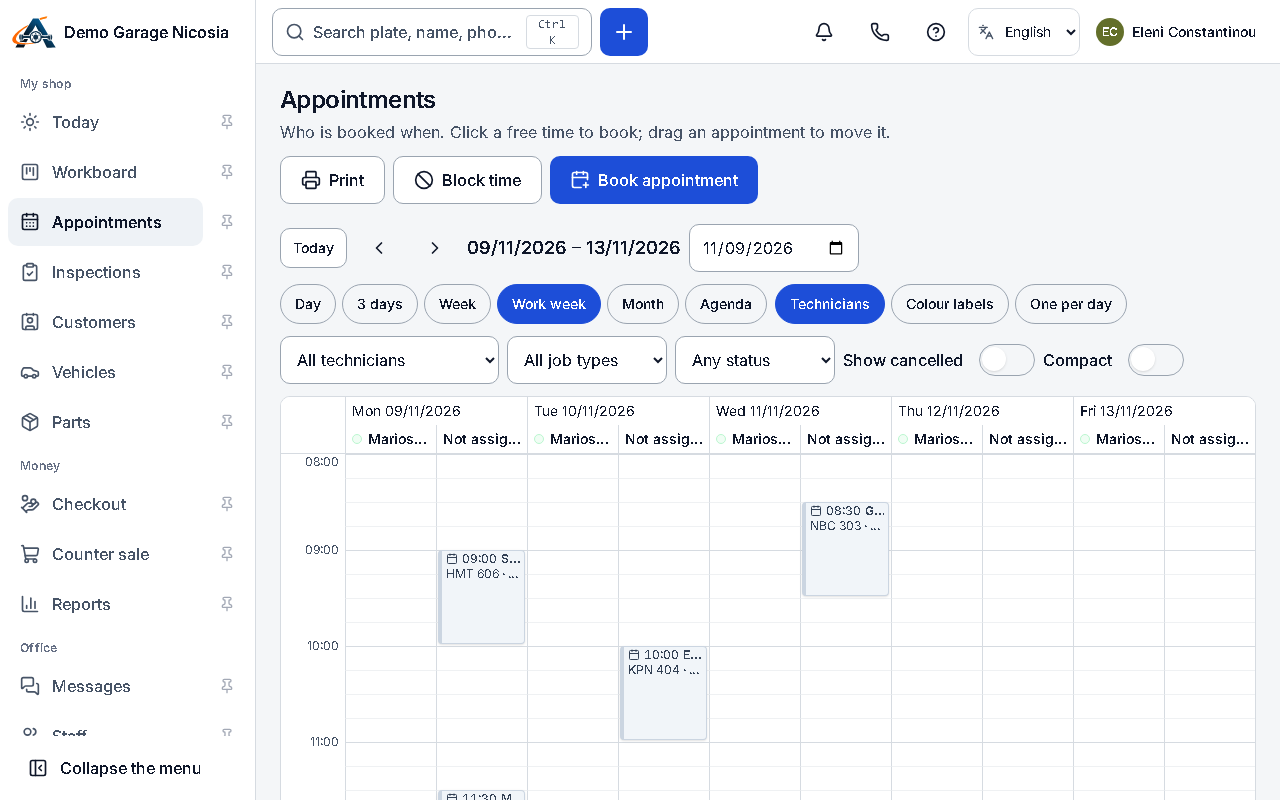
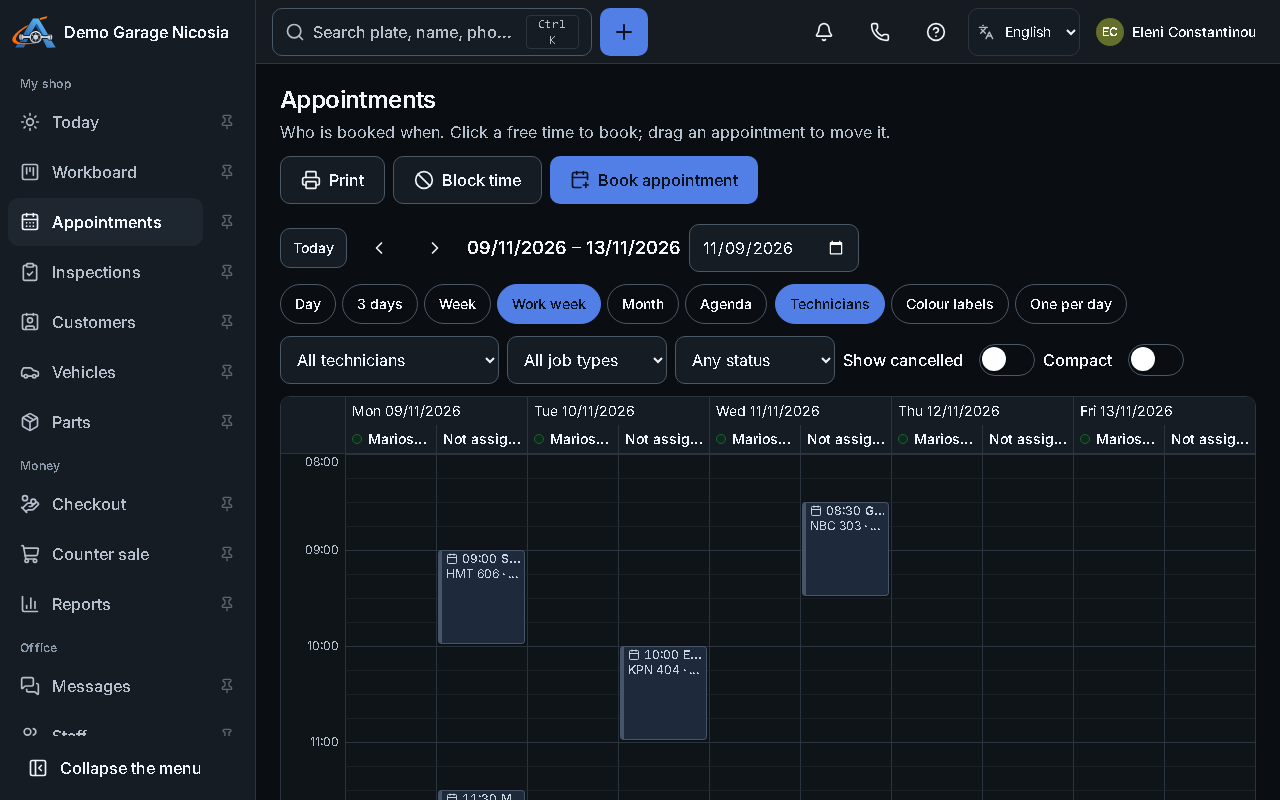
The calendar shows the day, the week or a list. Booking with a job type fills in the time, and the customer gets a confirmation.
How to do it
Section titled “How to do it”- Open Appointments and click a free slot, or press + and choose Appointment.
- Choose the customer and the car, the job type and, if you like, the mechanic.
- Press Book. A confirmation is sent if the customer agreed to messages.
- Drag an appointment to move it; the customer can be told about the new time.