
Invoices and payments
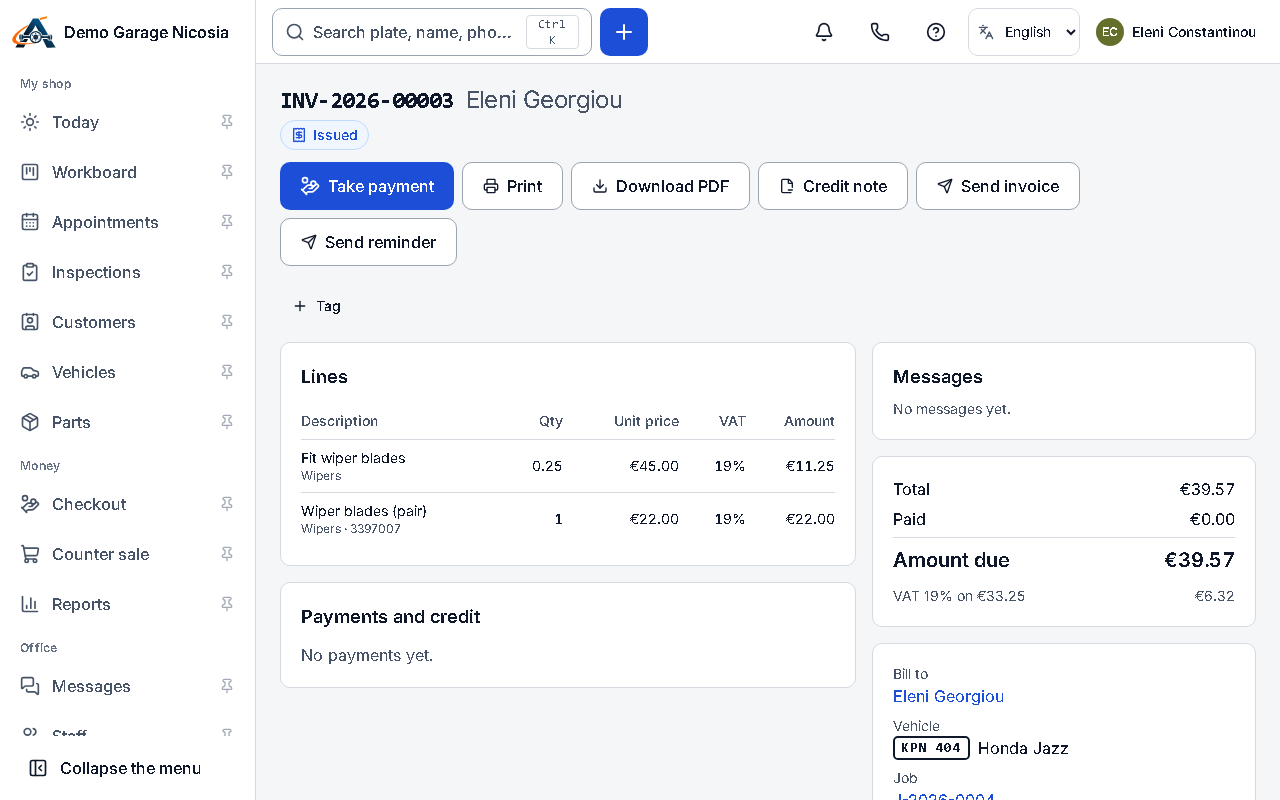
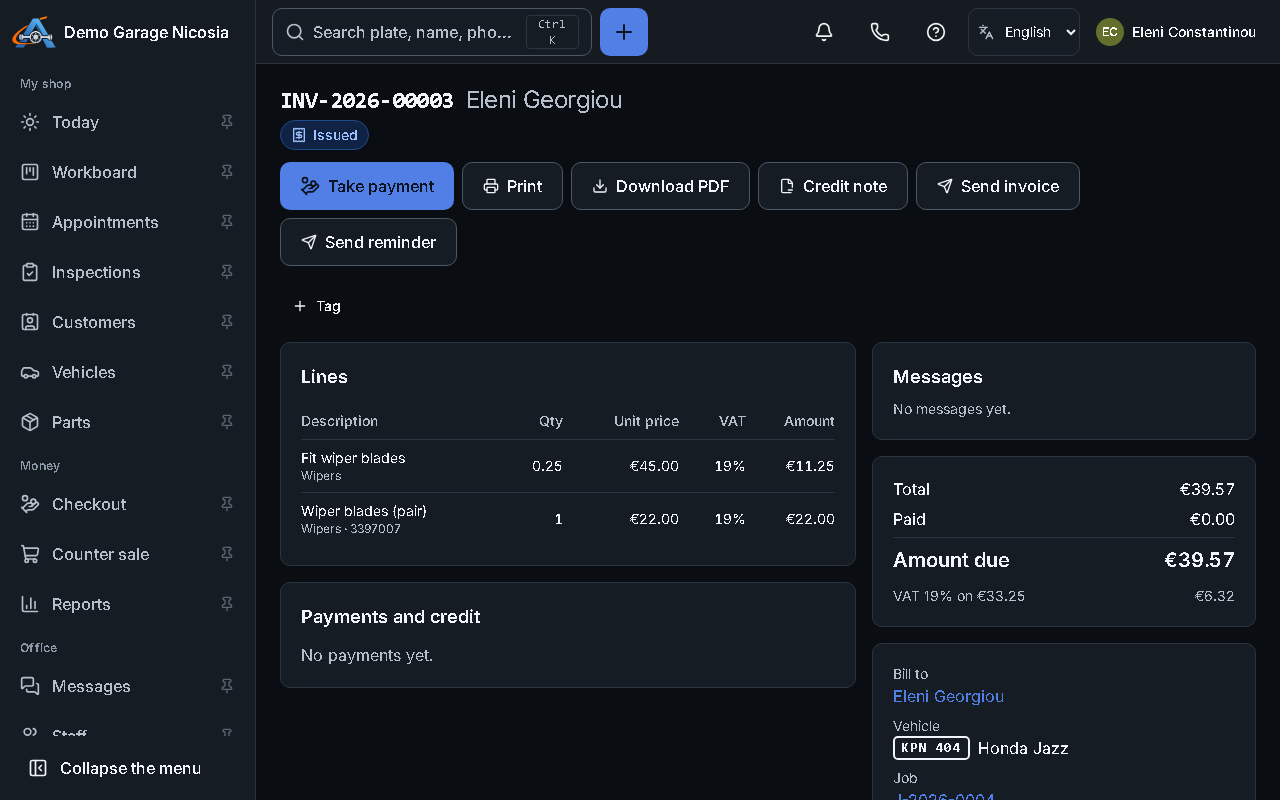
When the work is done, the invoice is made from the job in one step. Payments can be split between cash and card.
How to do it
Section titled “How to do it”- On the job, press Invoice. Check the lines and the customer’s details, then press Issue.
- Press Take payment, choose cash, card or bank transfer (or several), and enter the amounts.
- The receipt is ready at once: print it or send it by e-mail.
- A mistake on an issued invoice is corrected with a credit note, never by editing it.