
Receipts, deposits and counter sales
A deposit is money taken before the invoice; it is applied to the invoice later. A counter sale is a quick sale without a job.
How to do it
Section titled “How to do it”- On the job or the customer, press Take deposit and enter the amount: the customer gets a receipt.
- When you issue the invoice, the deposit is offered for the payment.
- For a sale without a job, open Counter sale, add the items and take the payment.
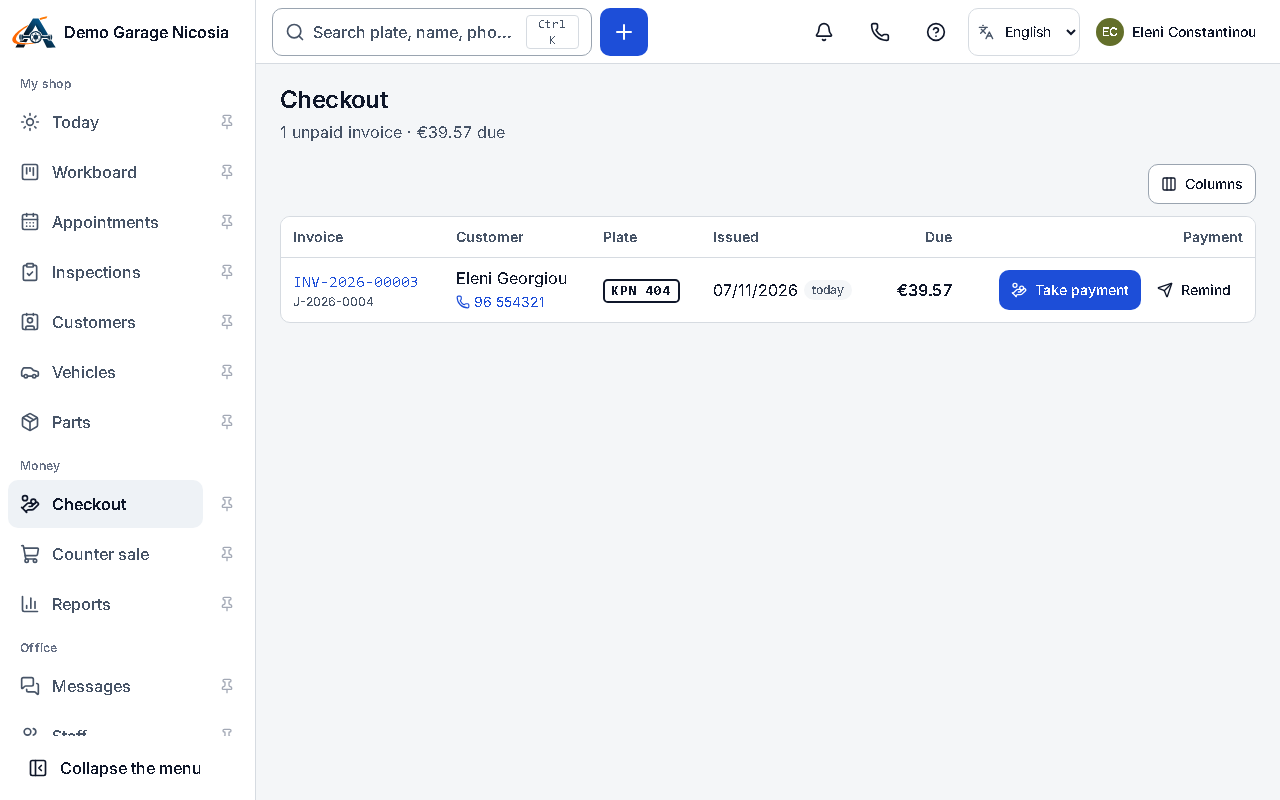
- Open Checkout to see invoices still waiting for payment.