

Opening hours and holidays
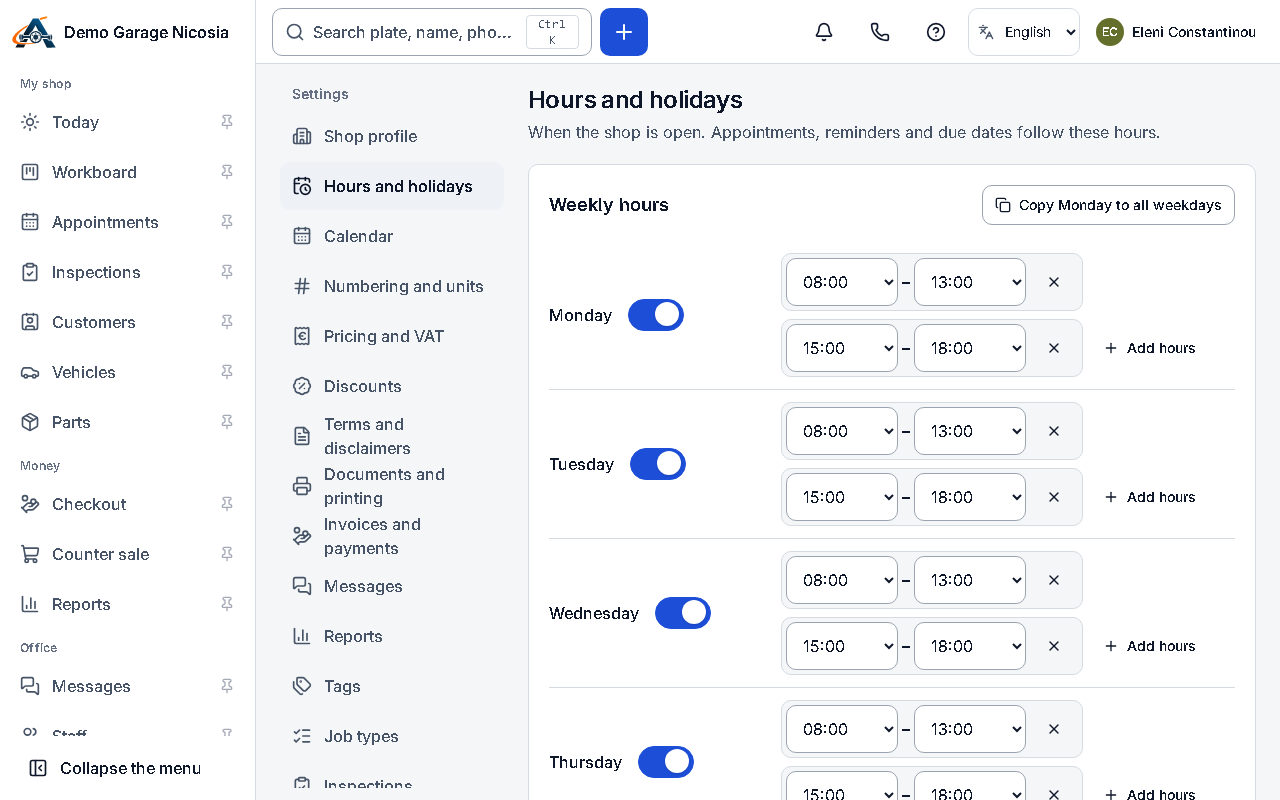
Opening hours decide when appointments can be booked, when messages are sent and when “car ready” texts say you are open.
How to do it
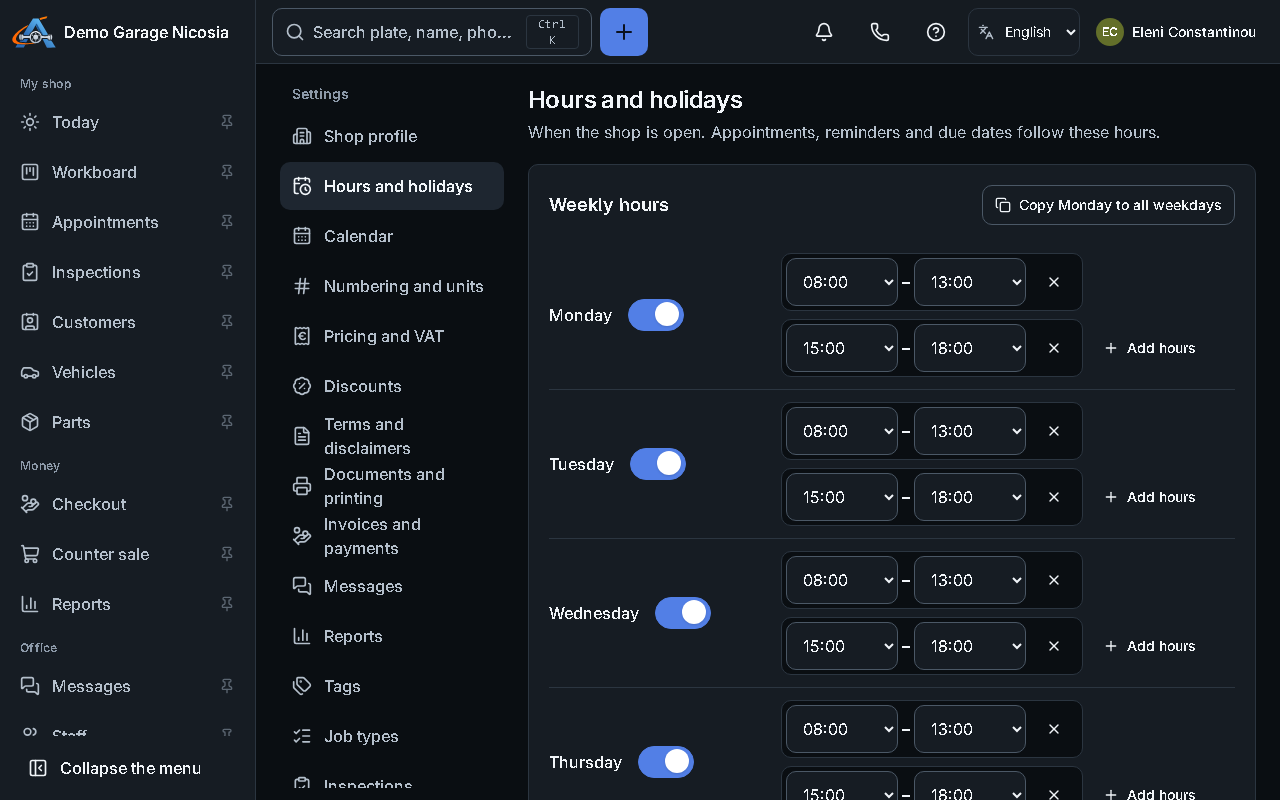
Section titled “How to do it”- Open Settings → Hours and holidays.
- For each day, set the opening and closing time, or mark it closed. Add a lunch break if you take one.
- Check the public holidays of your country: switch off any you work on.
- Add the days you close (holidays, a training day) under Closures.
- Press Save.
Good to know
Section titled “Good to know”- Messages to customers are never sent at night: they wait for the morning.