
Job types
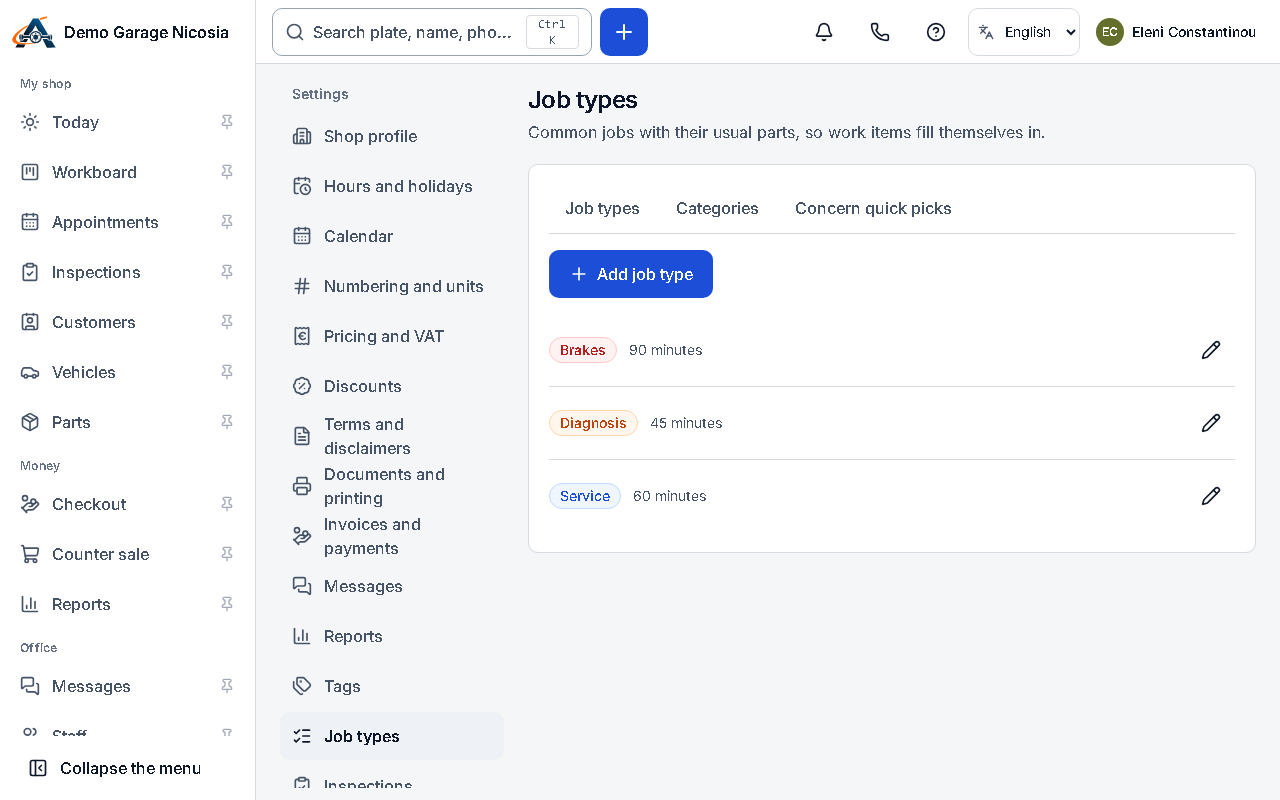
Job types make booking quick: choosing “Oil and filter service” fills in the time it takes and colours the appointment.
How to do it
Section titled “How to do it”- Open Settings → Job types.
- Check the job types the welcome questions created for your services.
- Press Add job type for anything missing; give it a name in both languages, a duration and a colour.
- Switch off the ones you do not use instead of deleting them: past jobs keep their type.